
Description
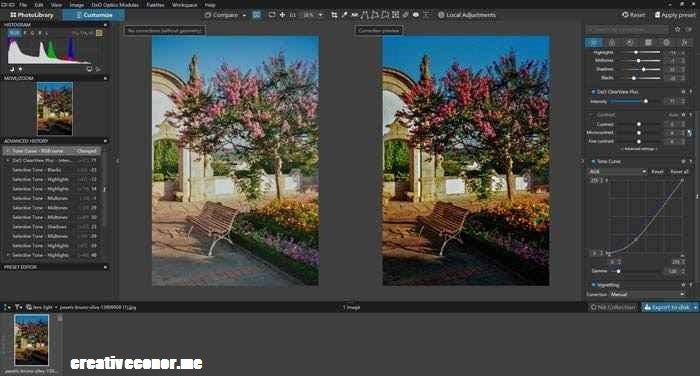
Photolemur 3 v1.1.0.2443 is an AI-powered photo enhancement application developed and published by Skylum Software. Designed to automate image editing, it analyzes and enhances photos with a single click, eliminating the need for manual adjustments or advanced editing experience. The software is intended for casual photographers, social media creators, and users who want high-quality image enhancements with minimal effort, using its intelligent processing engine to produce vibrant, print-ready results.
What’s New?
- Added a Smart Enhancement Opacity Slider for adjusting the intensity of the software’s automatic image enhancements.
- Introduced Automatic Face Retouching & Eye Enlarger to detect human subjects, smooth skin, whiten teeth, reduce blemishes, and enhance portrait details.
- Added an Advanced AI Horizon Straightener that automatically corrects tilted or uneven landscape and outdoor photos.
- Expanded the integrated Styles & LUTs database with new creative color-grading profiles, including Spirited and Evolve.
Visit CreativeConor for more
System Requirements
Operating System: Windows 7 / 8 / 10 / 11 (64-bit required)
Processor: Intel Core i3 or AMD Athlon 64-bit processor (Intel Core i5 or better recommended for high-resolution RAW files)
Memory: 4 GB RAM (8 GB or more recommended for smoother processing speeds)
Graphics: OpenGL 3.3 or later compatible graphics card (1 GB VRAM recommended)
Storage: 4 GB available space
VR Support: Not supported
Additional Notes: A Solid State Drive (SSD) is recommended to speed up batch exports of large image collections. While the standalone offline version can operate without a network connection, an internet connection is required for the initial key registration and cloud style validation.
SCREENSHOTS